
Private from the start.
Your documents and short notes are encrypted in your browser before storage. A passcode protects the key saved on your device.

ENCRYPTED DOCUMENT VAULT
Passports, permits, visas. Keep them close in an encrypted vault. When you need to share, make a copy with a little more care.
Encrypted on your device. Available on your linked devices.
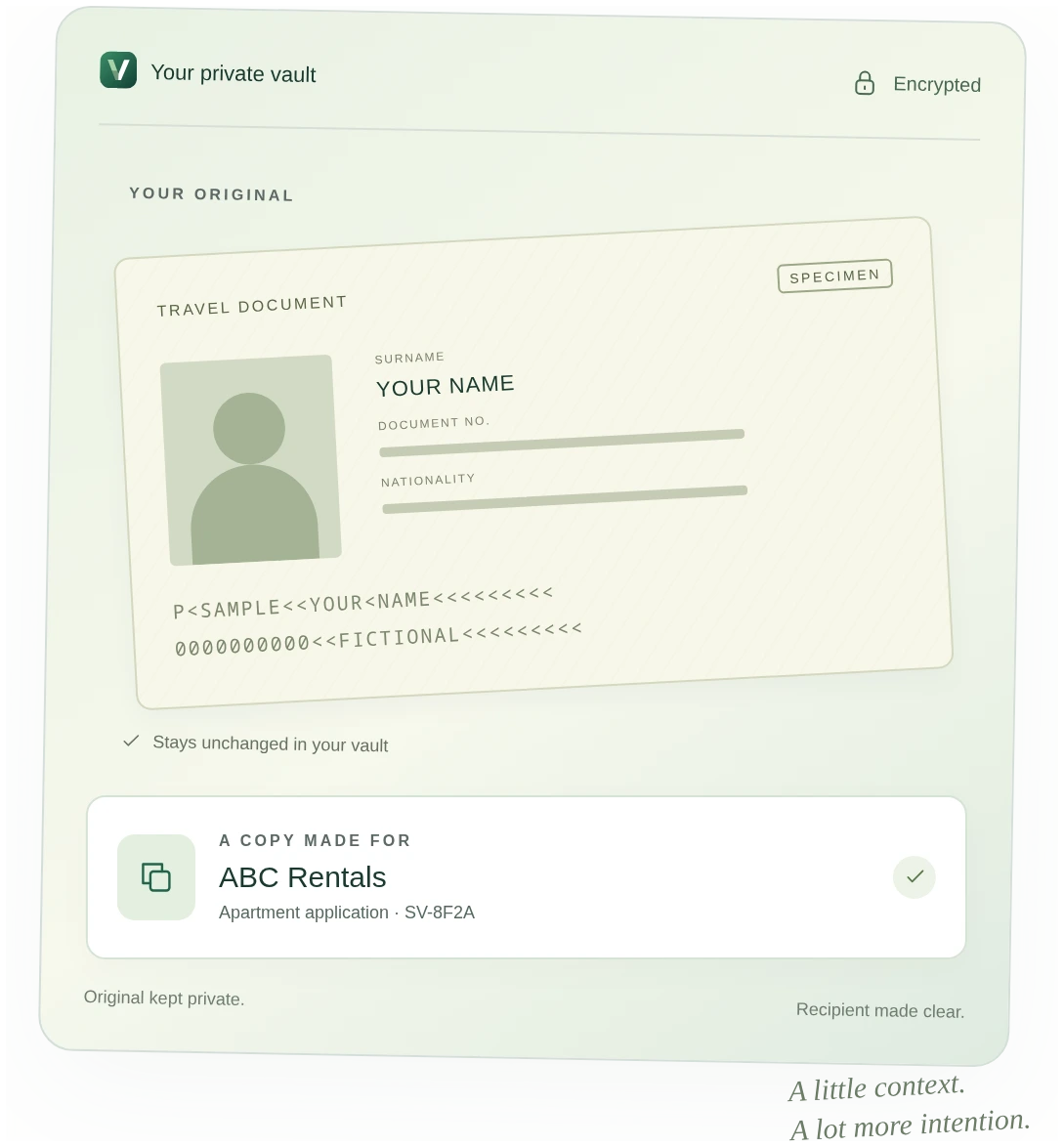
LESS SECOND-GUESSING
Your ID has a way of ending up everywhere.
Be more intentional about the version you send.
Your documents and short notes are encrypted in your browser before storage. A passcode protects the key saved on your device.
Add a recipient, a date and an optional purpose. Download a watermarked copy while the image in your vault stays unchanged.
Link your phone and laptop with a QR code and matching confirmation codes. Add a photo on your phone; find it in your vault.
FROM “CAN YOU SEND YOUR ID?” TO DONE.
No new app for the recipient.
Just a copy you’ve prepared for them.
Choose an image or PDF, or take a photo from your linked phone.
Choose a recipient. Preview the watermark before downloading your copy.
Find the recipient and copy reference in your encrypted history when you need them.
A little clarity goes a long way.
No. It adds recipient details and a reference that can help you recognize a copy. It cannot prevent copying, guarantee a watermark stays intact, or prove who caused a leak.
Download an encrypted recovery file from Settings and keep its passphrase somewhere safe. It restores access to your vault; it does not contain a backup of your documents.
Yes. From Settings, the vault owner can revoke a linked device’s access to Seuvo. Documents and keys already copied to that device cannot be erased remotely.
Add photos, scans or PDFs of passports, IDs, residence permits and visas: JPEG, PNG, WebP or PDF, up to 10 MB each and six pages per document. Pages are converted to images and resized on your device for storage and sharing. You can also store short encrypted text notes.
A SMALL CHANGE TO HOW YOU SHARE.
Keep your documents close. Share a copy made for its recipient.